
Comprehensive Guide to Backtesting in Python
Backtesting in Python is a crucial step in developing and evaluating trading strategies by testing them against historical market data. Whether you’re interested in algorithmic trading or refining your approach, backtesting in Python helps traders and quantitative analysts identify weaknesses and improve strategy performance. This comprehensive guide walks you through a step-by-step approach to backtesting in Python, from data collection to strategy evaluation. Learn more at Python.org.
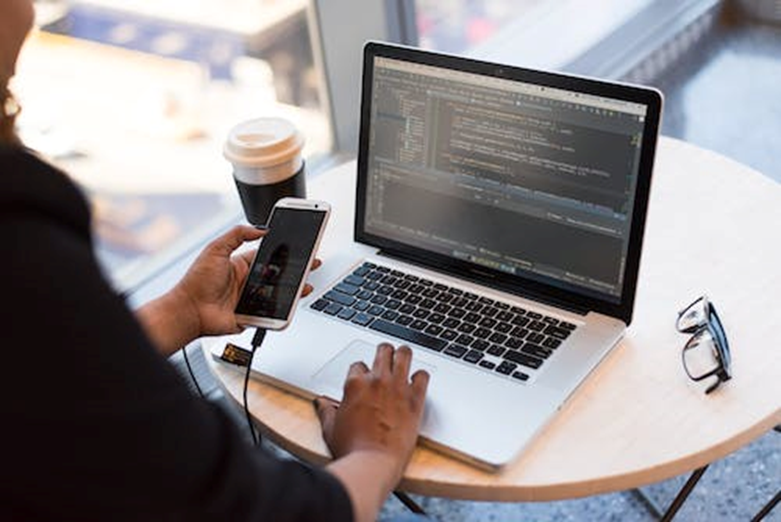
Step-by-Step Backtesting in Python Process
Step 1: Collect and Clean Historical Data
The first step in backtesting is to collect and clean historical data. You can obtain historical data from various sources, including financial data providers and trading platforms. Once you have the data, you need to clean it by removing missing values, outliers, and other errors that may affect the accuracy of your backtesting results.
Step 2: Define Your Trading Strategy
The next step is to define your trading strategy. This involves specifying the entry and exit rules, stop-loss levels, and other parameters that will govern the behavior of your strategy. You can use technical indicators, fundamental data, or a combination of both to develop your trading strategy.
Step 3: Implement Your Trading Strategy in Python
Once you have defined your trading strategy, you need to implement it in Python. There are several Python libraries that you can use for backtesting, including Backtrader, Zipline, and PyAlgoTrade. These libraries provide a framework for implementing and testing your trading strategies.
Step 4: Run Your Backtesting Simulation
After implementing your trading strategy in Python, you can run your backtesting simulation. During the simulation, your strategy will be applied to the historical data, and you will be able to see how it would have performed in the past. The simulation will generate various performance metrics, such as total return, Sharpe ratio, and maximum drawdown.
Step 5: Analyze Your Backtesting Results
Once the simulation is complete, you need to analyze your backtesting results. This involves examining the performance metrics and identifying any weaknesses or areas for improvement. You can use visualizations such as equity curves and trade plots to gain insights into your strategy’s performance.
Step 6: Optimize Your Trading Strategy
Based on your analysis, you can optimize your trading strategy to improve its performance. This may involve adjusting the entry and exit rules, changing the stop-loss levels, or modifying other parameters. You can then re-run the backtesting simulation to evaluate the impact of your changes.
Step 7: Validate Your Trading Strategy
After optimizing your strategy, it is important to validate it on out-of-sample data to ensure that it is robust and not overfitted to the historical data. This will give you confidence that your strategy has a higher likelihood of success in live trading.
Conclusion
Backtesting in Python is an essential tool for developing and evaluating trading strategies. By following the steps outlined in this guide, you can effectively backtest your strategies and improve your chances of success in live trading. However, it is important to remember that past performance is not indicative of future results, and all trading involves risk.
Key Takeaways
Understanding the fundamentals discussed above will help you build more effective trading strategies and avoid common pitfalls in automated trading.
Download IBridgePy and start trading with Python today.